Kvasir Exam: making assignment variants
A student finishes an assignment. You check the work, discuss the mistakes, and decide that another round of practice would help. Now you need another assignment: the same kind of thinking, with different numbers and conditions. Writing that second version can take longer than checking the first.
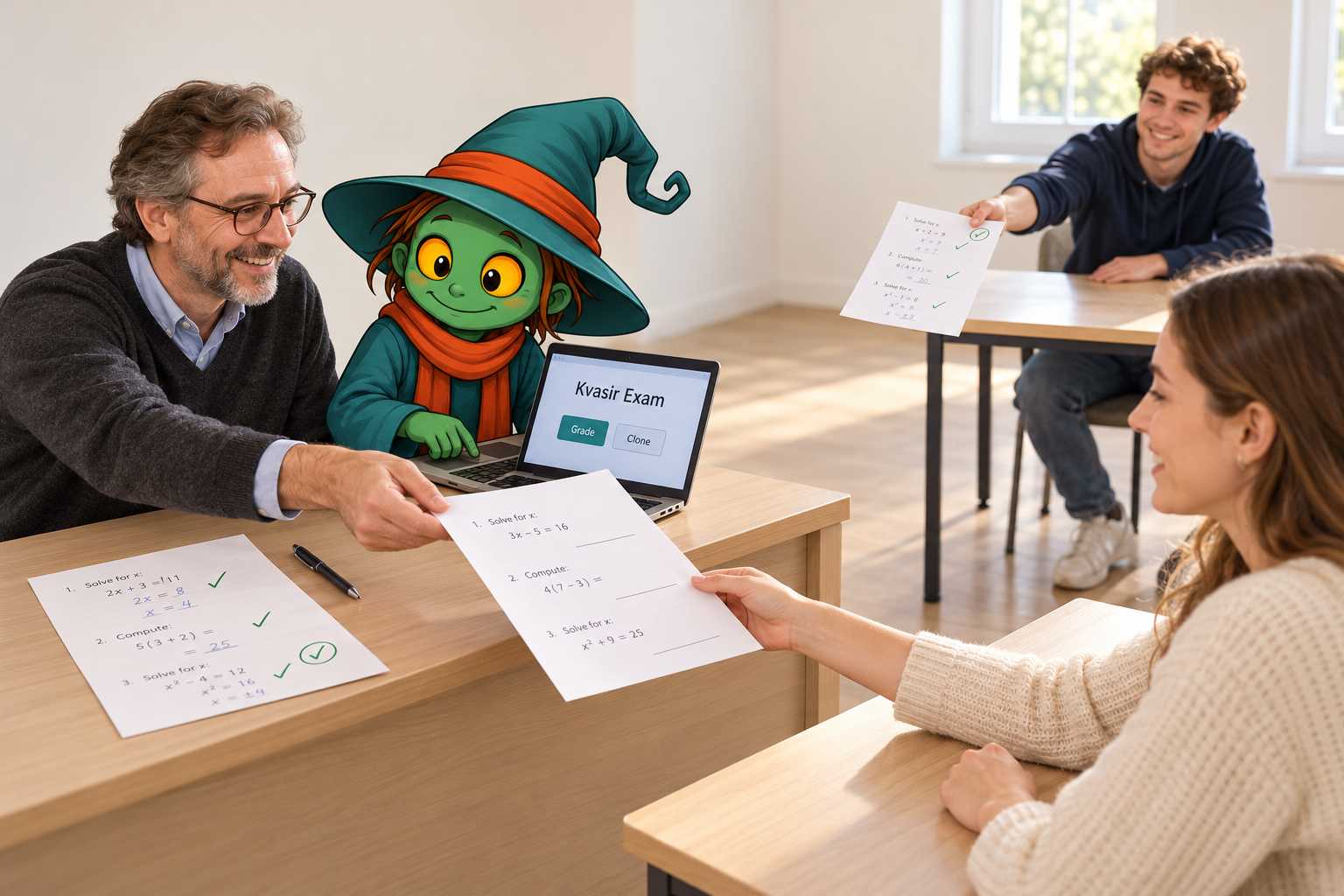
Kvasir Exam now has a Clone assignment button. It starts with a completed student submission and prepares a new set of questions. The aim is to keep the structure, skills and difficulty while changing the data. You read the result, make any changes you want, and print it for the next student or the next lesson.
Start with the work you have already checked
The grading workflow stays familiar. Add your course materials and assignment instructions, then the student’s typed work, scans or handwritten pages. Process one student or a group, and review the result alongside the original work. With scans, check the recognized text as well: it is the reading of the page that subsequent steps use.
For cloning, choose a submission whose processing is complete. The selection list shows the student, the submission version and the score when available. You can choose the particular piece of work that contains the tasks you want to reuse.
Keep the task, change the data
First, Kvasir identifies the individual problems. When a rubric or selected grading materials are available, they help establish the task structure. Otherwise, the submission itself is the starting point. The student’s solutions, scores and corrections are left out of the questions being reconstructed.
Next, the problems are rewritten with new numbers, names, contexts or wording. The model is asked to preserve the skills and difficulty, and to check that the new questions are solvable. The output is a fresh assignment in the language of the original problems, without solutions or an answer key.
For example, a question about solving a linear equation should remain a question about solving a linear equation. Changing the coefficients gives the next student something to work out while keeping the teaching purpose.
Completed work
Solve the equation
2x + 3 = 11
Student’s working
2x = 8
x = 4
New assignment
Solve the equation
3x + 5 = 20
Space for a new solution
From a completed submission to a printable assignment
Choose
Materials → Clone assignment. Select a completed submission and confirm creation.
Prepare
Kvasir separates the problems and writes new variants with different data.
Review and print
Open the new assignment. Edit it, check it and print it.
Read it, adjust it, give it to a student
The new assignment appears in Materials. Open it and edit the wording, numbers, formulas or title if needed. The Print button opens the formatted version for printing.
Mathematical notation is supported, and mathematical figures can be rebuilt as LaTeX/TikZ drawings. Review the questions and any figures before handing them out, just as you would review an assignment you had written yourself.
The cloned assignment is kept separate from the materials used for OCR and grading in the current exam. Creating a new variant therefore does not silently change the reference material for the work you have already checked.